Onboarding
at WSJ
Studio Manager / Design Manager
At a glance
- Connected recruiting and hiring to a designer’s first day at WSJ
- Paired a new-hire welcome packet with a hiring-manager checklist
- Guided designers from before their start date through their first month
At WSJ Product Design, I helped recruit, interview and hire designers. By the time someone accepted an offer, we already knew each other. I built our onboarding experience to carry that relationship into their first day on the team.
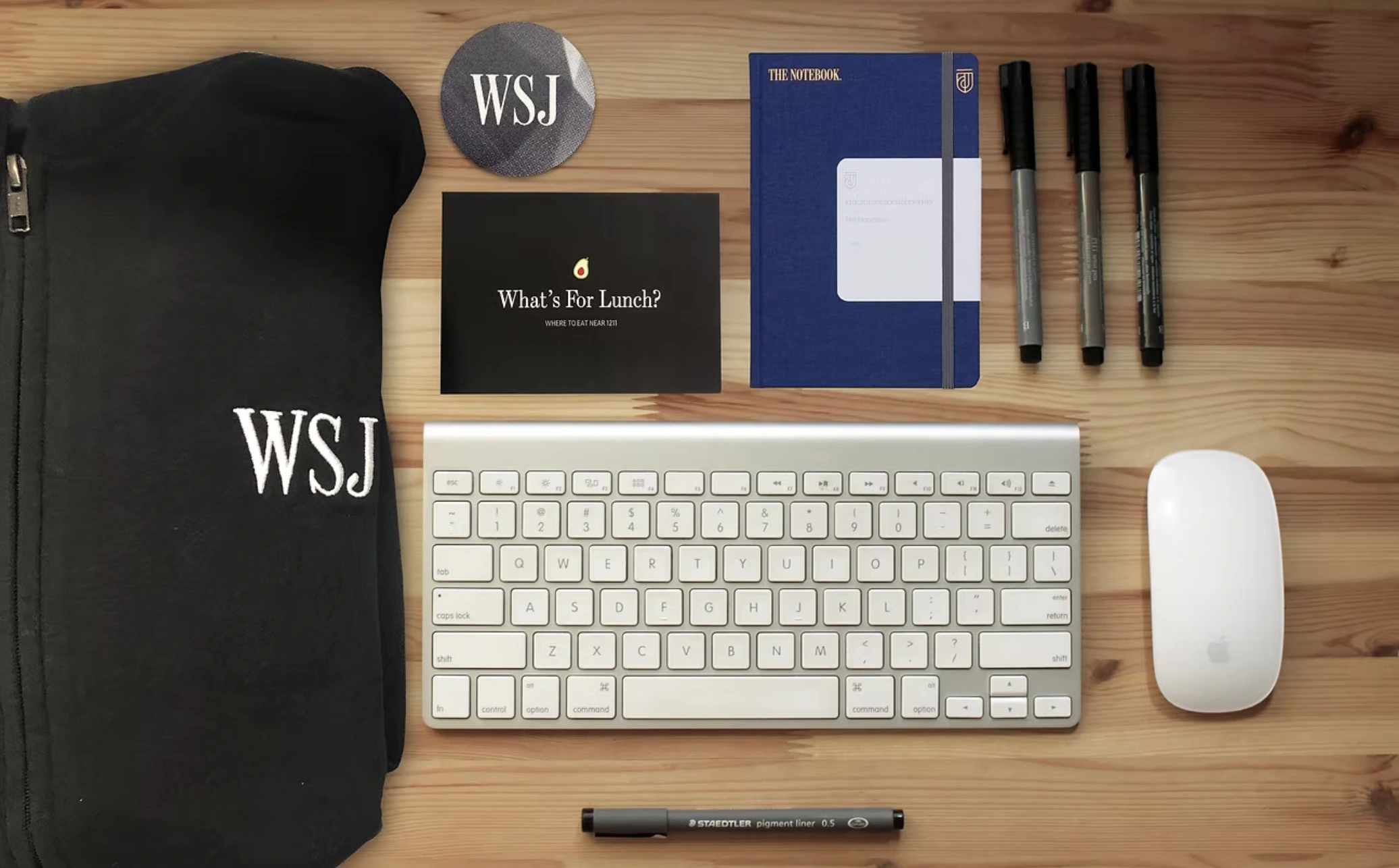
The welcome kit was part of that experience. I wanted someone sitting down at their desk for the first time to feel comfortable, supported, and less overwhelmed by the unknown, right down to knowing who to speak to, how to find the bathroom, and where to go for lunch.
The challenge
When I was new, I remember piecing together my first day from a handful of emails. One covered payroll, another explained how to get my ID, and I still wasn’t sure who would meet me when I arrived. The people welcoming a new designer had their own pieces to keep track of, too.
I wanted to bring those pieces together. A designer could look in one place to see what to do before they started, what their first morning would look like, and who to ask if something came up. Their manager could see what to have ready. My hope was that both people could spend that first morning getting to know each other.
From Before you Start to the First Month
I organized the onboarding package into four sections: before you start, your first day, your first week, and your first month. That way, a new designer could turn to the part they needed as they settled in.
Before you start
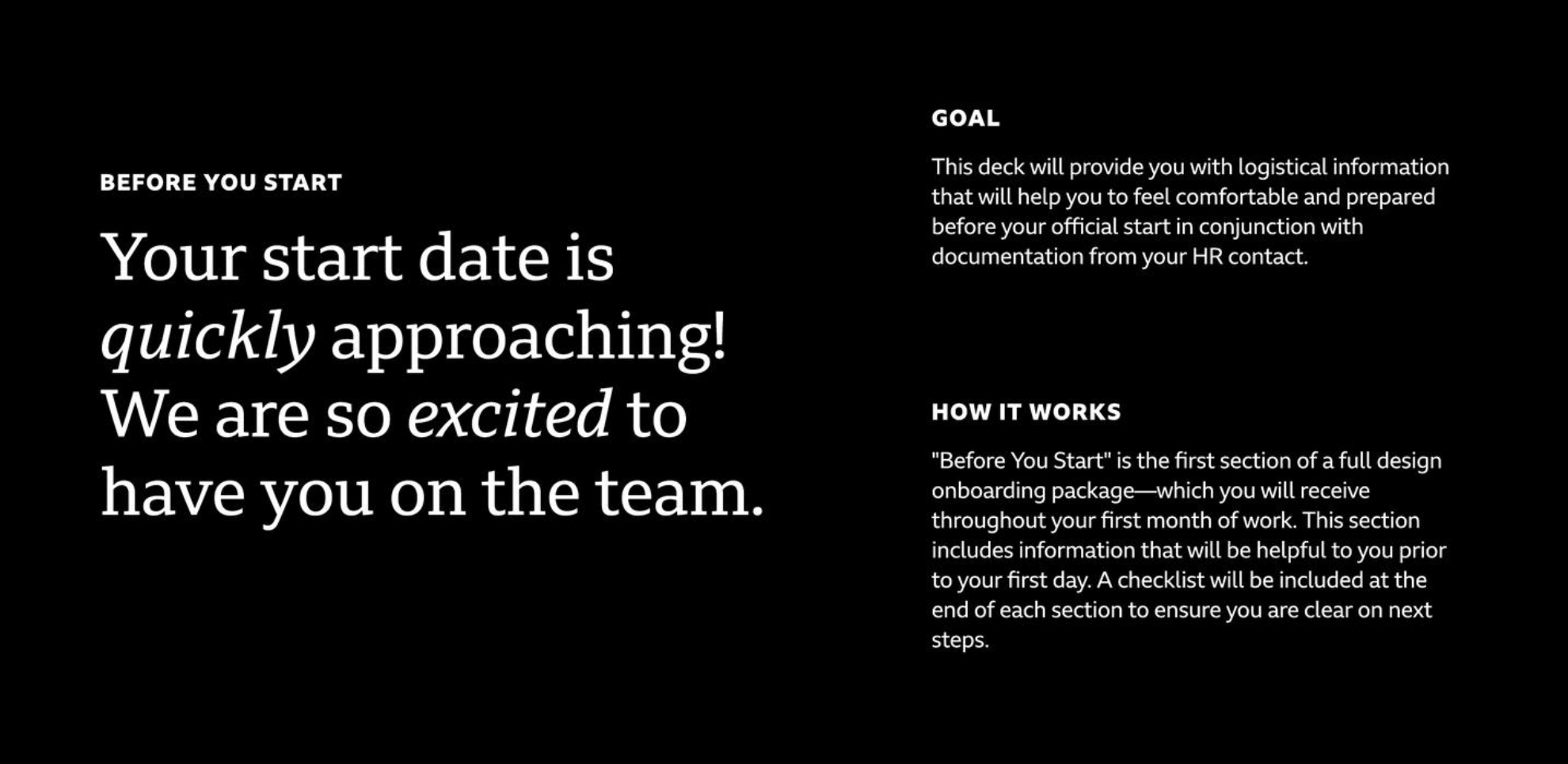
The welcome packet gave the designer a time, an address, directions into the building and the name of the person meeting them. Replying to the welcome email opened that conversation before day one.
First day
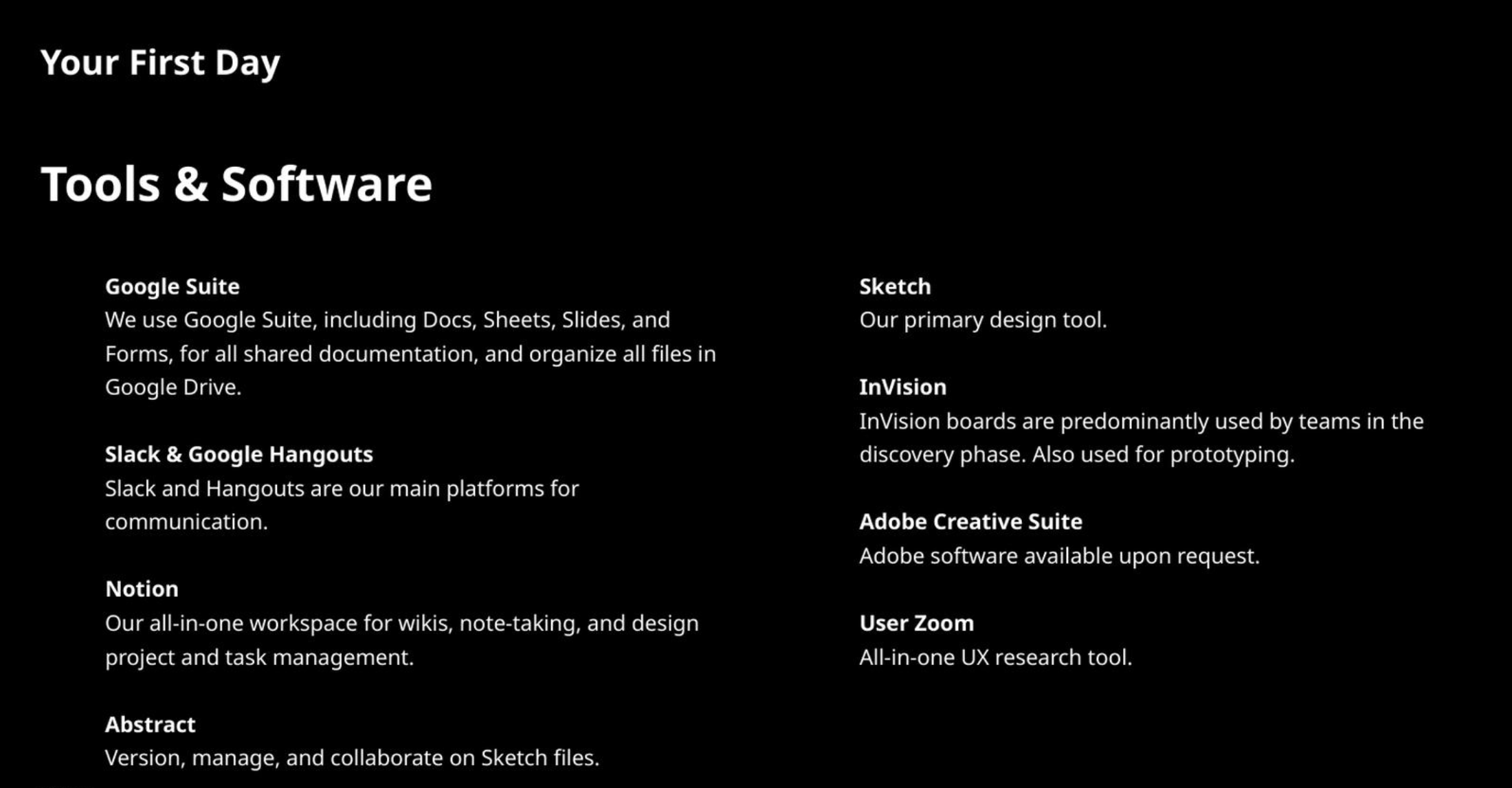
The manager met the designer at reception and showed them around. A stop at the Tech Bar covered the laptop, an employee ID and Okta access. The checklist also covered email, Slack and the software the designer would use.
First week
With the essentials in place, the focus shifted to people and projects. Designers met the team and used the packet to learn how design and technology worked together, which meetings to join and where to find help.
First month
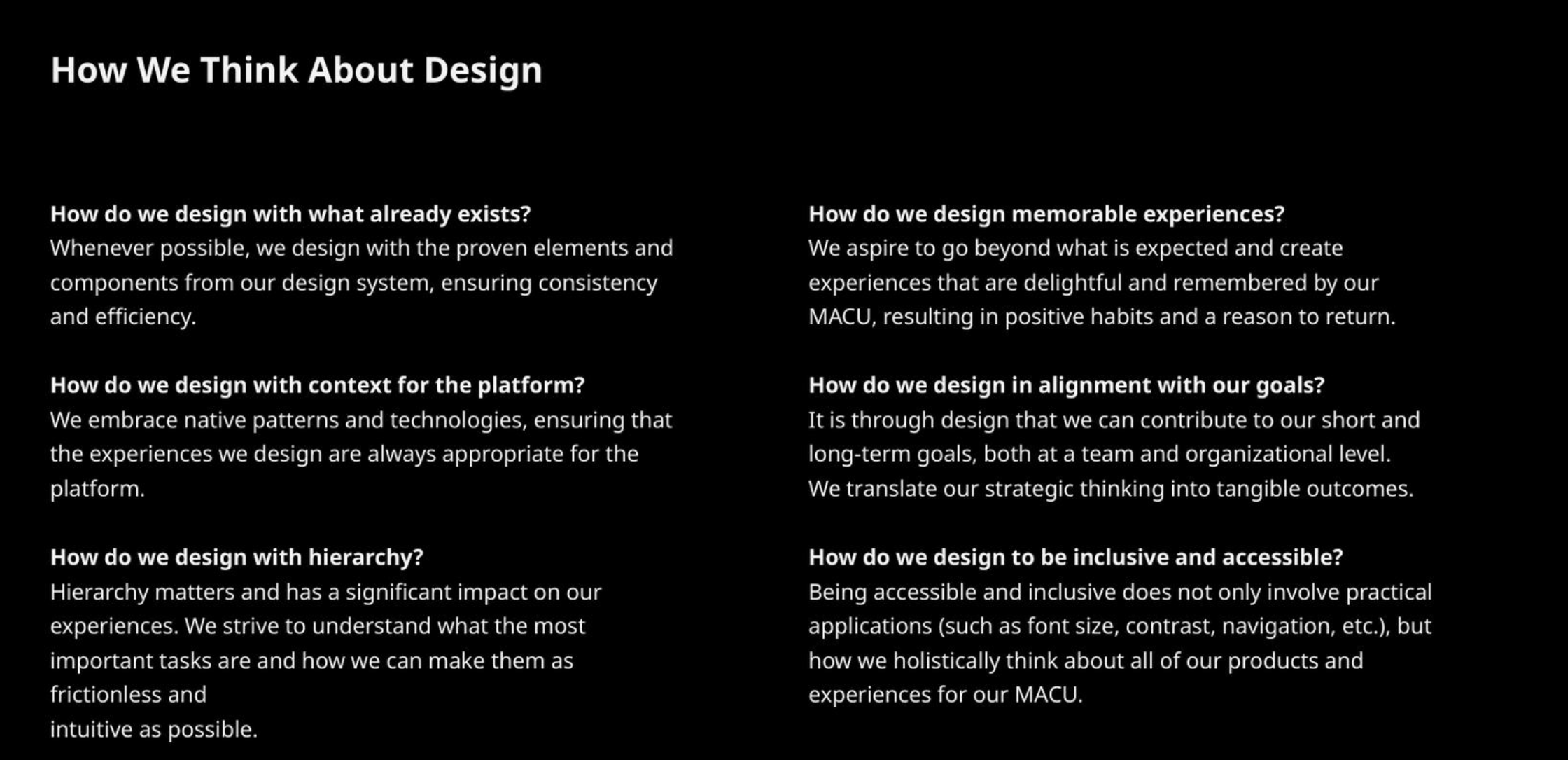
Once designers were taking part in the work, they could return to the packet with more specific questions. The team guide helped them find a partner for a project, understand a meeting or revisit a step in the design process.
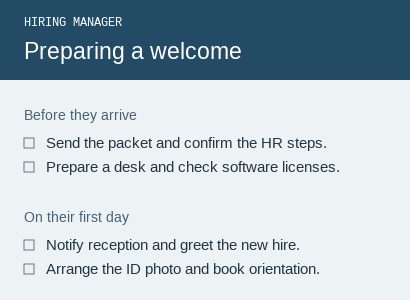
Two onboarding checklists
At the end of each section, the new hire and the hiring manager each complete their own checklist before moving on. Each version lists that person’s tasks for the stage and what they need to have ready for the next one.
For the new hire
The checklist makes it clear what’s expected of a new hire at each stage. They can see what’s left to accomplish and know when they’re ready to move on.

For the hiring manager
Welcoming a new hire takes time in an already full week. The checklist walks hiring managers through it step by step so they don’t drop the ball.
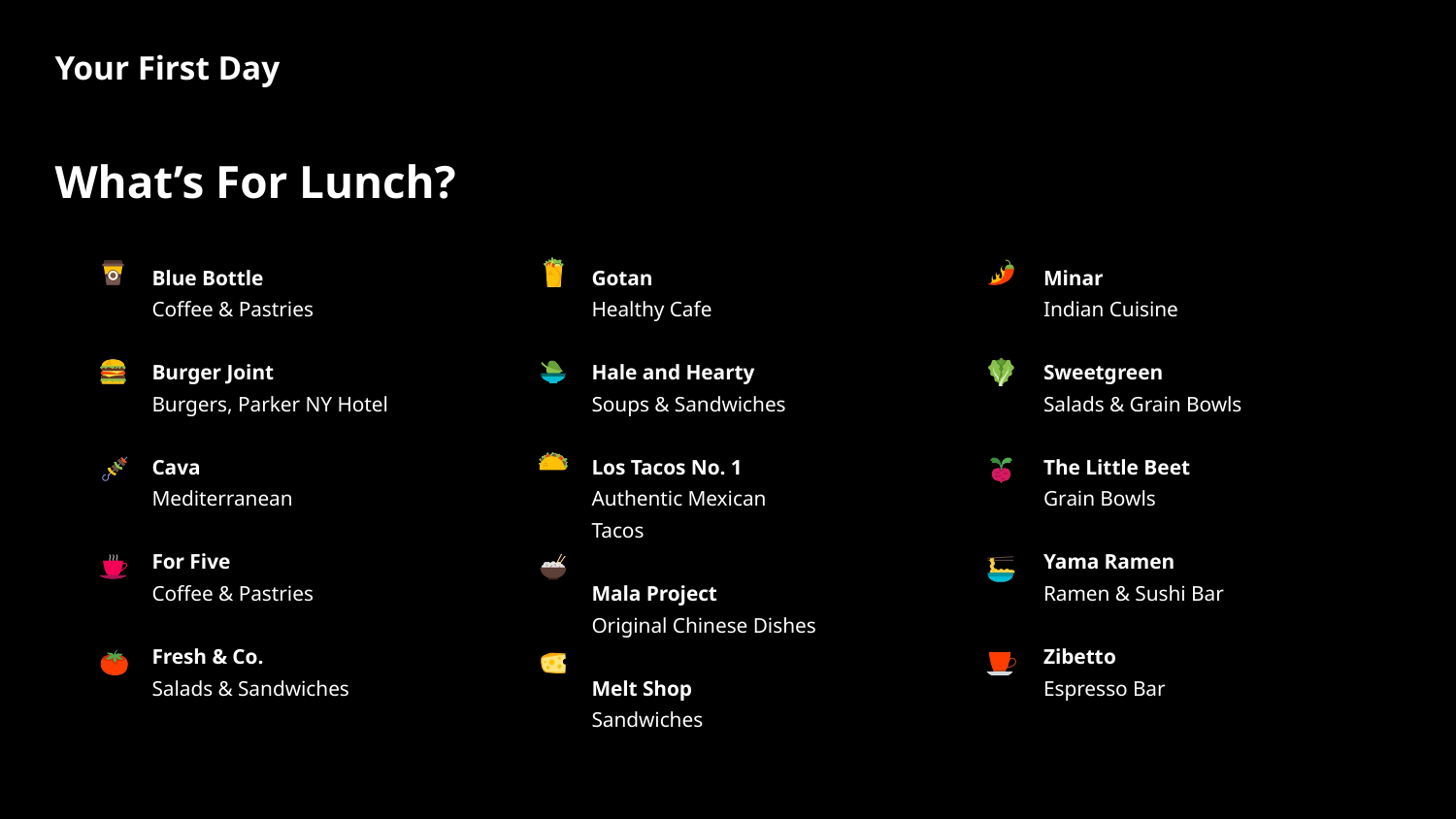
Making onboarding fun
By lunchtime on your first day, even a small decision can feel like one more thing to figure out. I tucked a “What’s for Lunch?” guide into the welcome kit, with coffee at Blue Bottle, tacos at Los Tacos No. 1 and ramen at Yama. I liked that it gave a new designer an easy opening with a teammate, too: “I was thinking of getting tacos. Want to come?”
What changed
- New designers knew who would meet them and where to go.
- A desk and working laptop were ready on arrival.
- Designers had one place to find introductions, tools and team guides.
- Hiring managers could reuse the checklist for each new hire.
What I learned
At WSJ, I learned to think about a first day from both sides of the desk. For a new designer, we thought ahead to remove some of the unknowns, hopefully easing those first-day jitters. For the hiring manager, having the details organized in this way meant they could spend that first morning focusing on welcoming and knowledge-sharing, rather than confusing logistics.
I carried that lesson into the onboarding packages I built for Dow Jones, Meta, and BBC. At each company, I started with the same question: if I was coming in for my first day on Monday, what would I want clarity on? And after each new hire went through the process, we gathered their feedback so that we could iterate on the process. This research helped to shape each guide.